Changes that never opened a merge request
A merge gate works on merge requests. A push straight to a protected branch, a force push that rewrites its history or a deleted branch never opens one, so no policy is applied, nothing is scanned and nobody approves it. Some accounts push to protected branches on purpose, such as release bots and mirrors; others should not, and a gate alone does not show them.
Merge Pilot follows the branches themselves, so every change that reached a watched branch without an approved merge request is recorded, marked and reported. Coverage becomes something you can show rather than assume.
What it covers
Change management is only as good as its coverage. Merge Pilot follows each repository's target branches and default branch themselves, not only merge requests.
Push events and head checks
Pushes are received by webhook, and branch heads are checked on a schedule in case a webhook was missed.
Read the docsClassified
Commits that came through an approved merge request are fine. The rest, including those of a merge request change management did not approve, and any force push or deleted branch, are a violation, or "would have been blocked" on a watched repository; accounts on the ignore list and Merge Pilot's own account are left out.
Read the docsIgnore lists
Release bots and mirrors can be listed so their pushes are recorded but not reported.
Read the docsOne list for the company
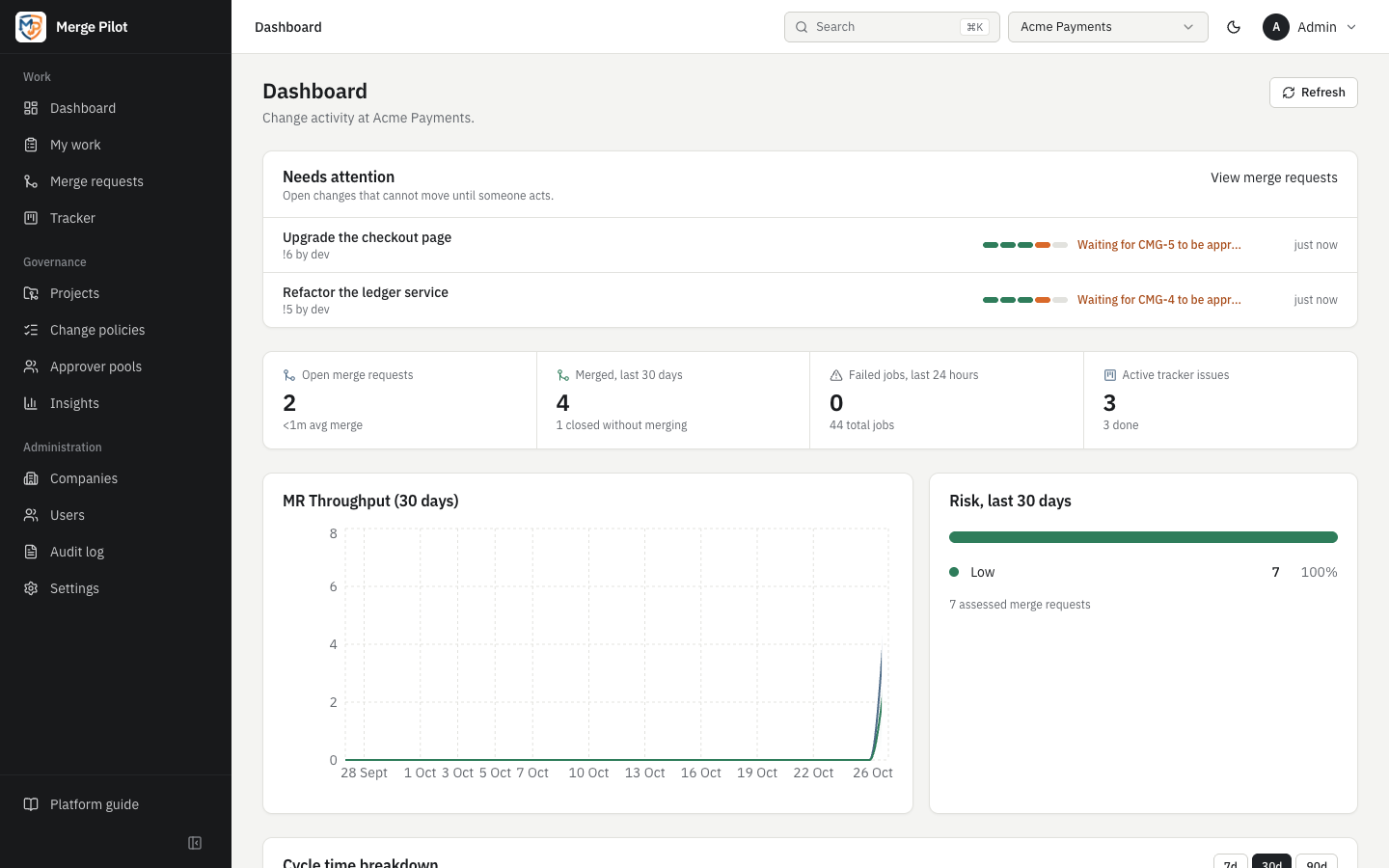
Insights → Direct changes counts the last 30 days (violations, would have been blocked, history rewritten), names who pushed most and which projects had most, and lists every change with filters and a CSV export.
Read the docsHow it works
The branches it follows
For each project, the repository's default branch and its target branches. Pushes to other branches and to tags are ignored.
Read the docsPush events
With the company's Receive push events on (the default), the VCS reports every push: on GitLab through Merge Pilot's project webhook, on GitHub through the App's webhook. Each push names who made it.
Read the docsThe branch head check
Every few hours (Check branch heads every (hours), 6 by default), Merge Pilot reads the head of each watched branch and compares it with the last head it saw. A head that moved without a push explaining it, or a branch that disappeared, is a change, so a lost webhook does not hide one.
Read the docsCommit by commit
For each change, Merge Pilot asks the VCS through which merged merge request each commit reached the branch. Commits of an approved merge request are fine. Commits of no merge request, or of one that merged without change management's approval, are direct; a force push and a deleted branch always count.
Read the docsMarked by mode
On a repository under change management a direct change is a Violation; on a watched one it is Would have been blocked. Pushes by accounts on an ignore list are recorded as Ignored account, and Merge Pilot's own account is never reported.
Read the docsRecorded and announced
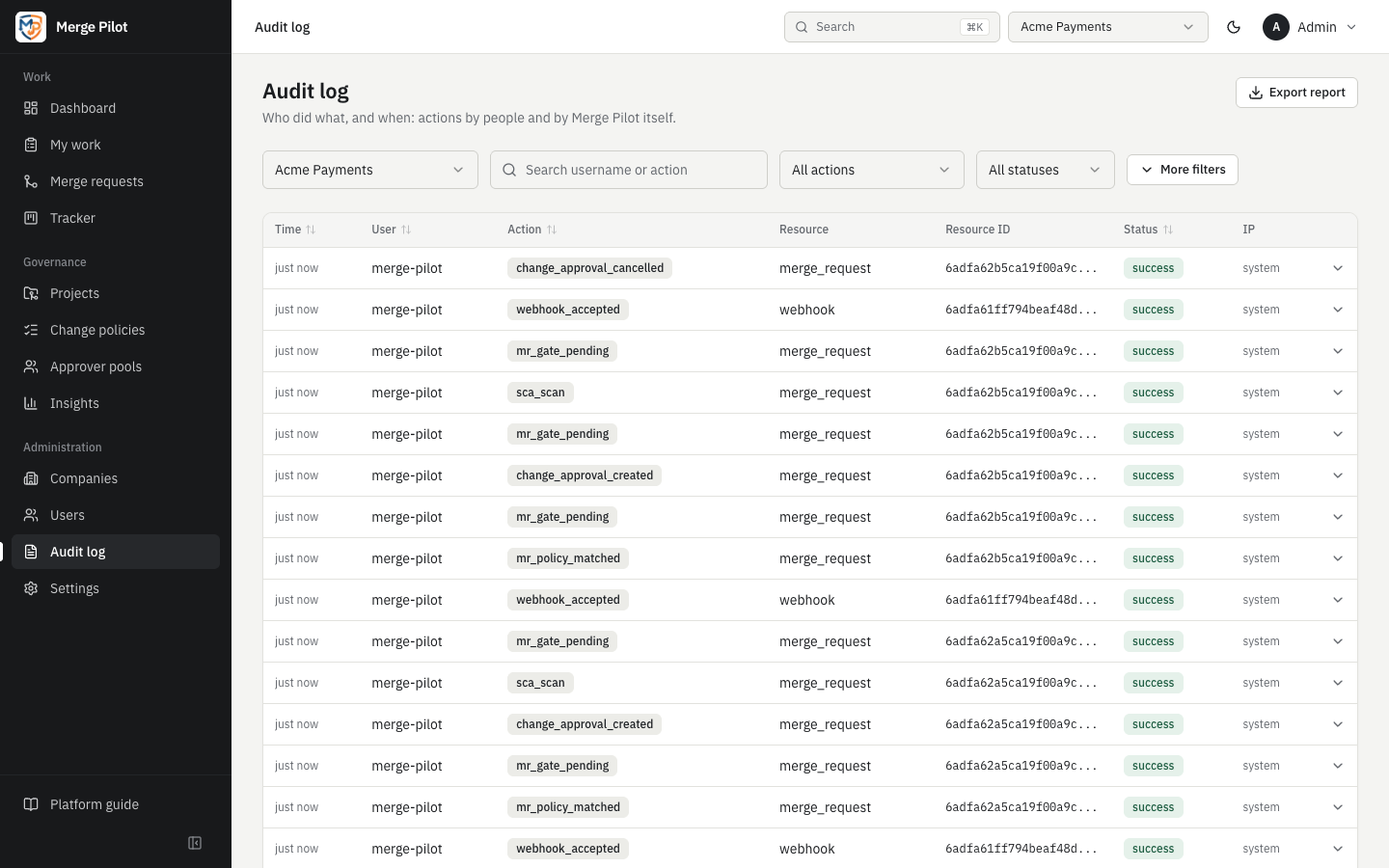
Each change is kept with its old and new head, its pusher and its commits (SHA, author and title, never their content) and written to the audit log. It is sent to the notification routes that take Direct change to a watched branch; further changes to the same branch within 15 minutes are sent together.
Read the docs
Example: a force push to main
acme/payments is under change management on GitLab, and main is its default branch.
- An engineer who is allowed to push force-pushes main to drop a commit.
- GitLab delivers the push event. The new head does not contain the old one, so Merge Pilot records a force push, reads the commits the change brought and asks GitLab which merge request each came through.
- The change is marked Violation and Force push, with the engineer's GitLab username and how many of its commits came without a merge request.
- The audit log gets a
direct_change_violationentry, and the routes that take the event receive Direct change to main: the engineer force-pushed main of acme/payments, rewriting its history, and the branch is under change management, so this is a violation. - On Insights → Direct changes the change counts toward Violations and History rewritten. Expanding its row shows the old and new head and each commit, with a link to it on GitLab.
- Had the webhook been lost, the next head check would have found the same change, with the pusher shown as Not known (head check).
- The compliance report for the period lists it under Changes outside change management.
See it on your own repositories
Ask for a demo on your own GitLab or GitHub repositories.